
Generate great App Store screenshotsin every locale.
Turn raw app screens into polished App Store screenshot sets, localize them across 42 markets, and upload the finished images to App Store Connect in one fast workflow.
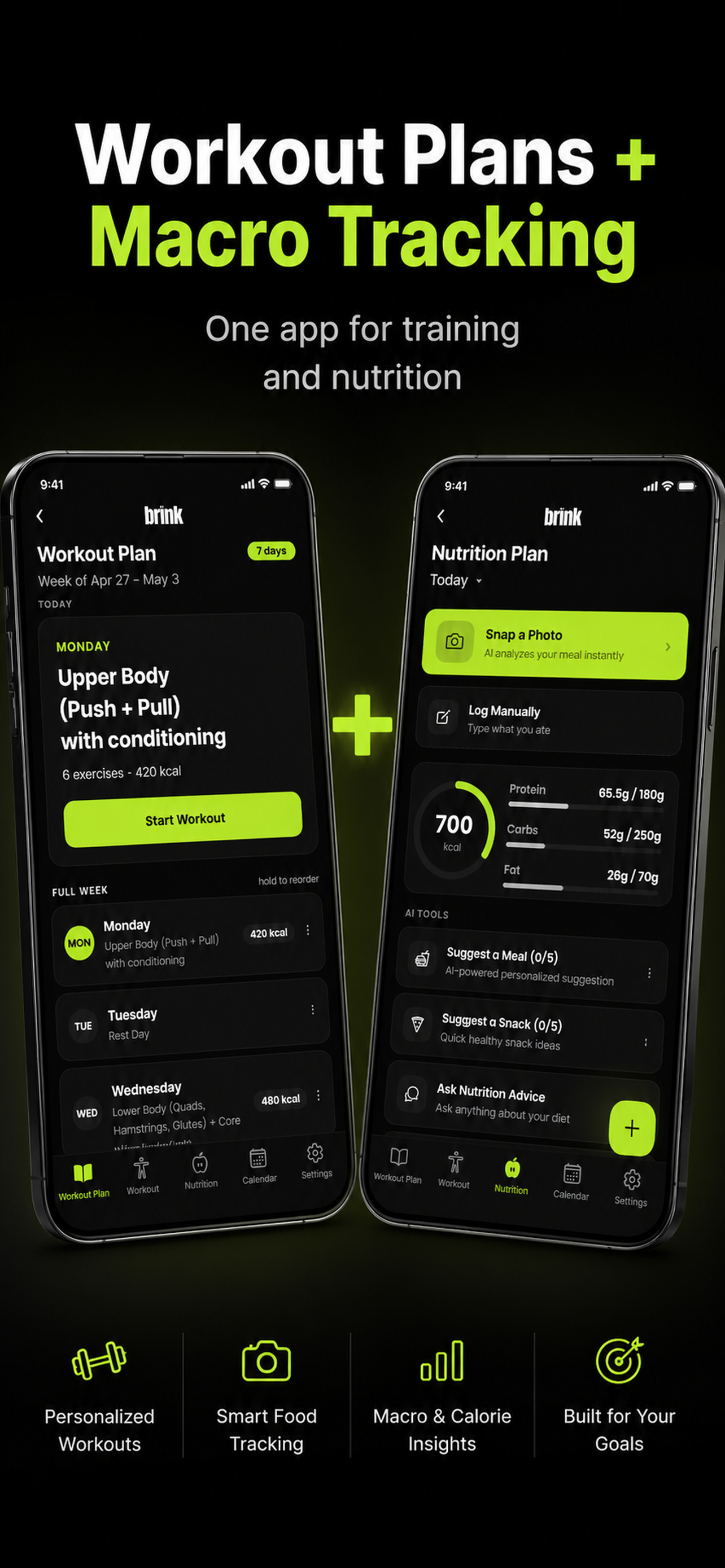
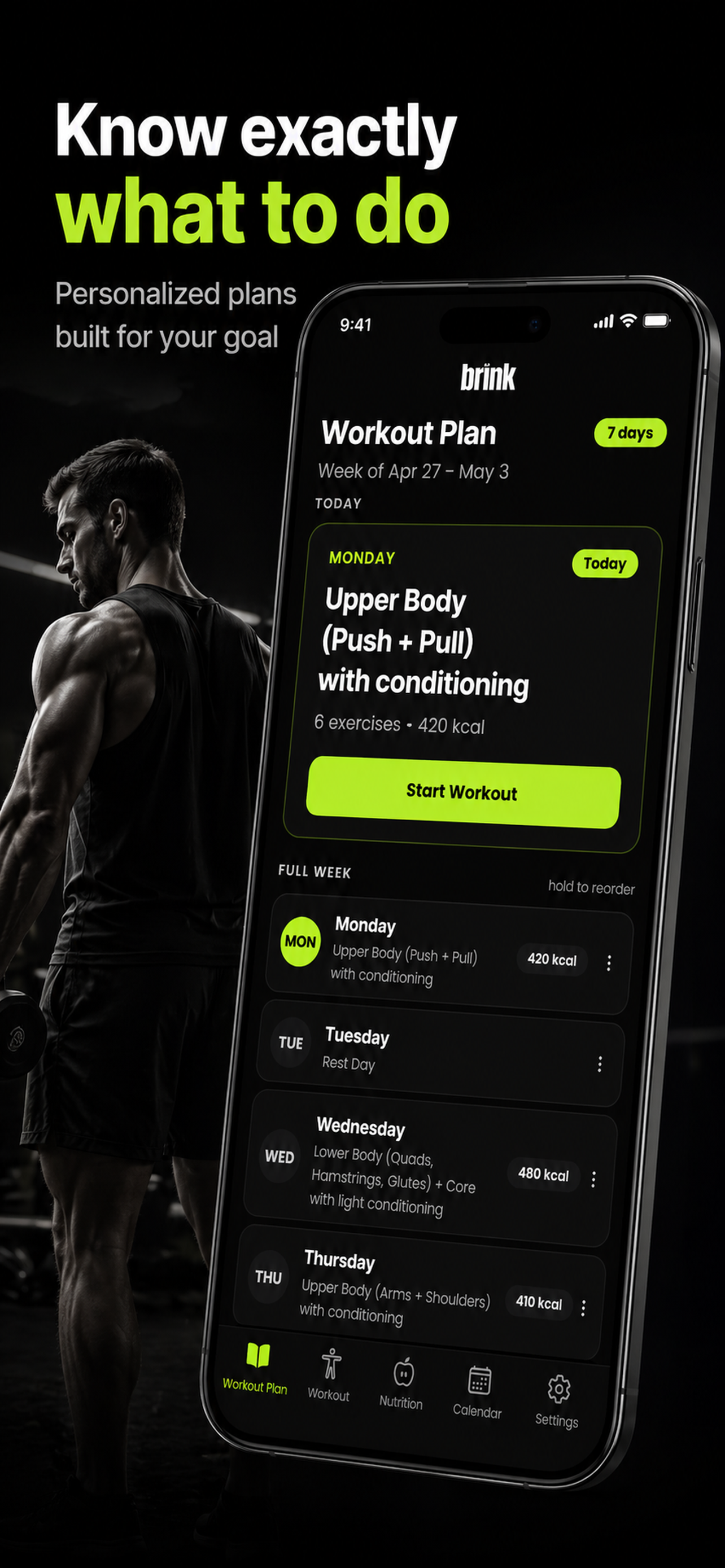
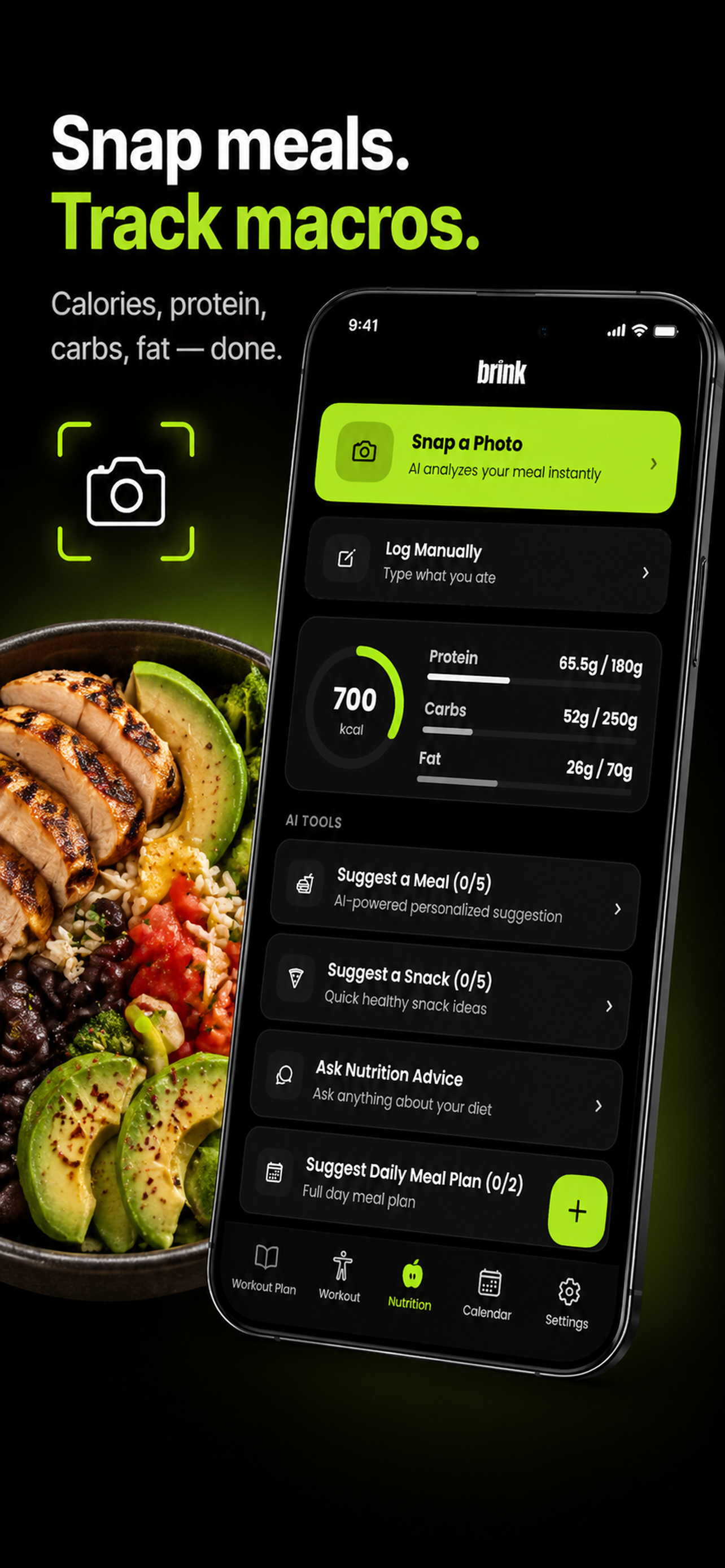
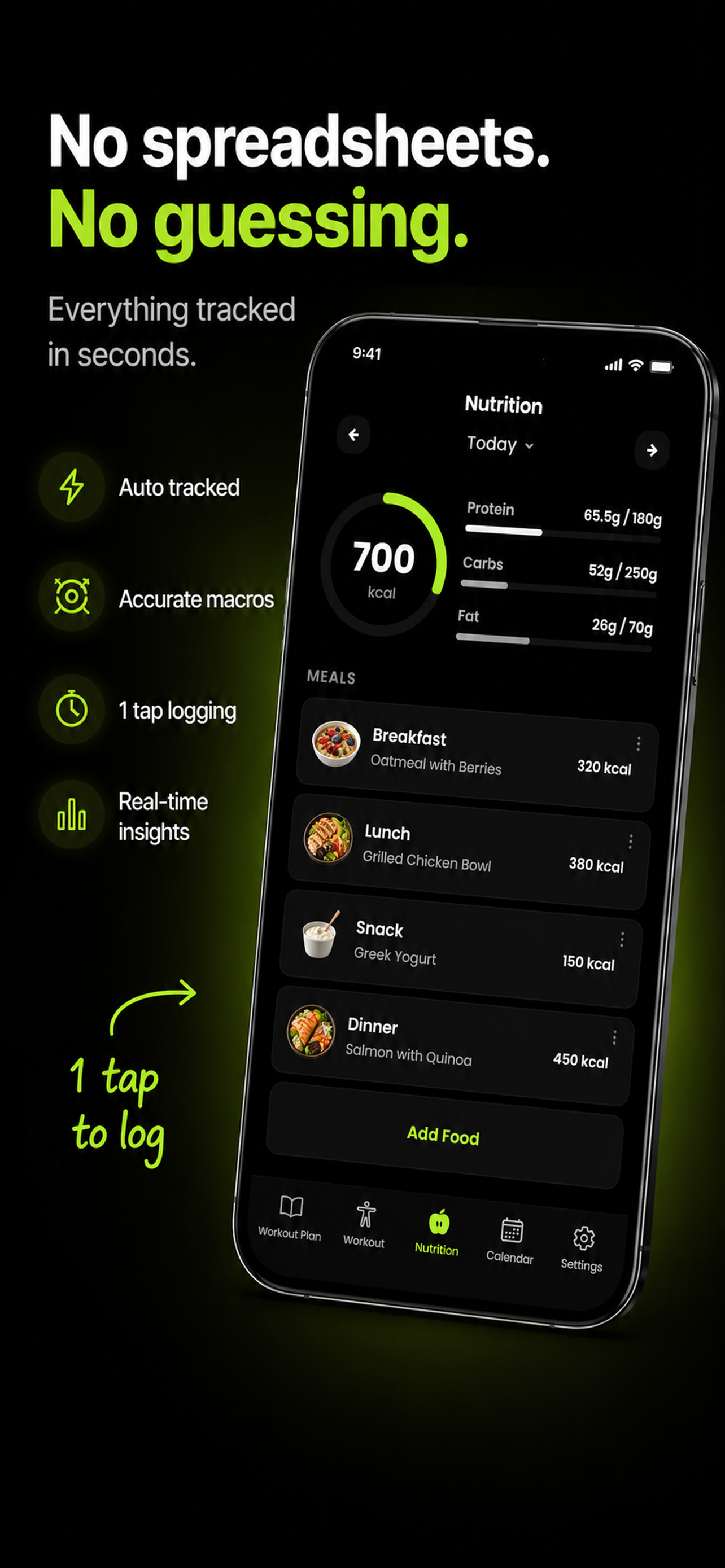
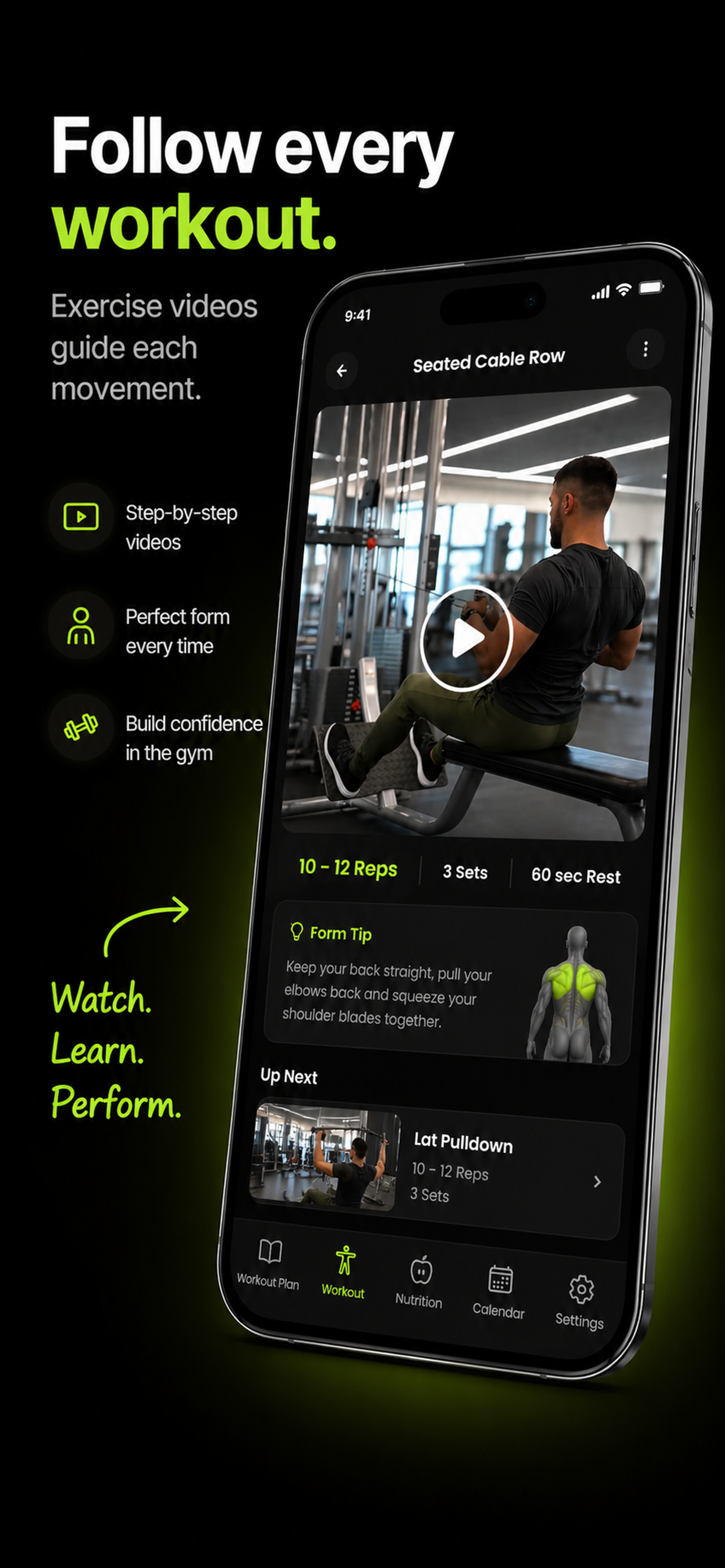
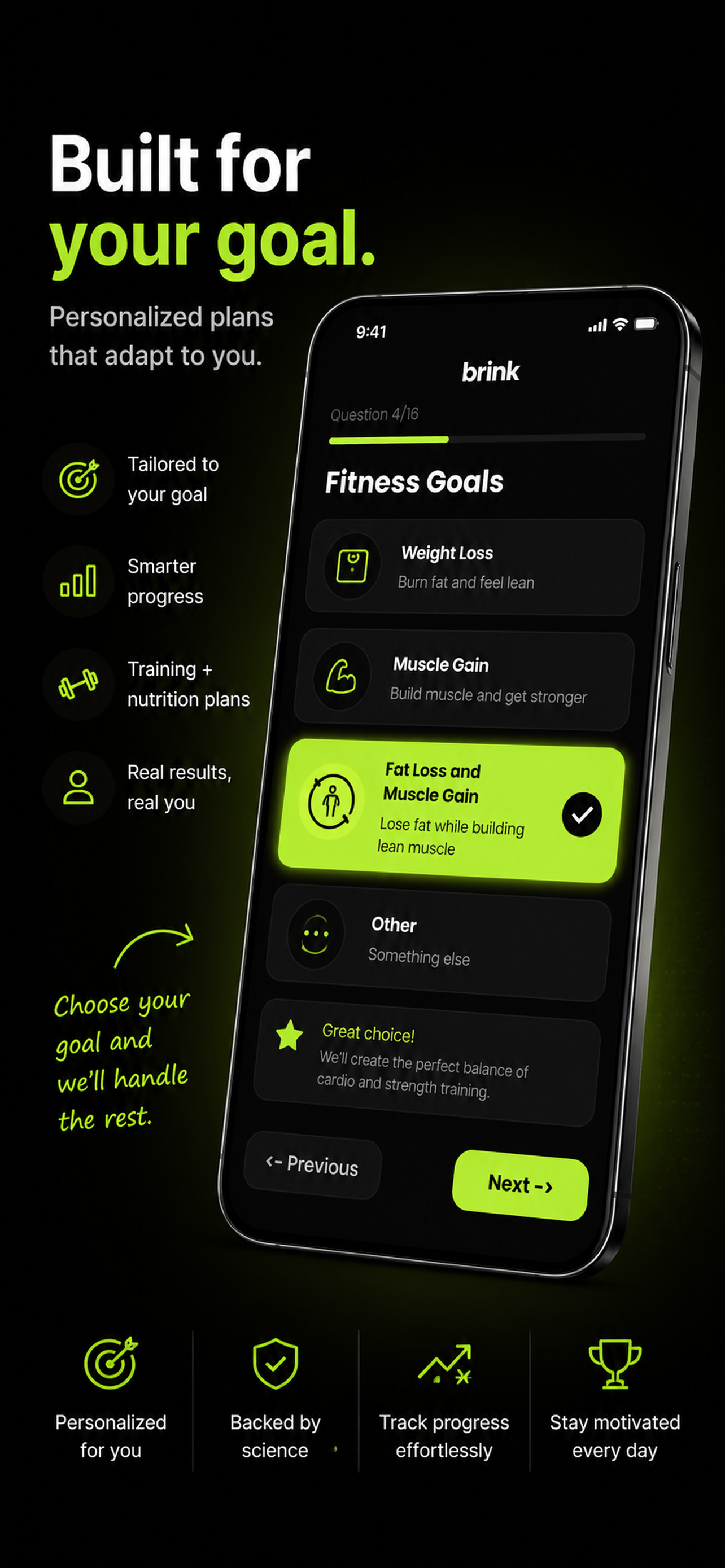
From app screens to App Store Connect in four quick steps.
Add your app details, target device size, and screenshot count.
Upload raw app screens and optional visual references.
Choose one locale or all 42, with pricing shown before generation.
Generate, review, download, or upload directly to App Store Connect.
Make screenshots that look launch-ready, not templated.
- Upload source app screens and inspiration images.
- Set style, layout, background, and tone for the whole set.
- Write your own screenshot copy or generate localized copy with OpenAI.
- Regenerate individual screenshots without rerunning every locale.
Generate localized screenshot sets for every App Store locale you need.
Start with one market or produce a full 42-locale rollout. A standard six-screen release creates 252 localized images, with a live estimate before you commit.
Generate the right files for App Store Connect.
App Screenshot Magic creates polished 6.5" App Store screenshots by default, then exports clean PNG files sized for App Store Connect upload.
Upload finished screenshots to App Store Connect.
Connect your App Store Connect API key, select the editable app version, and send each localized screenshot set to the right locale without spending extra credits.
Pay only for the screenshots you generate.
1 credit = 1 generated screenshot in 1 locale. Uploading to App Store Connect is free.
Common questions
One generated screenshot in one locale uses one credit. A 6-screenshot English set uses 6 credits.
No. Credits are only deducted when the image generation succeeds and the output is saved.
Yes. The upload flow accepts App Store Connect API credentials and uploads selected localized screenshot sets directly.
App Store screenshot guides
Reference material on App Store screenshot sizes, localization, upload workflows, and the patterns behind screenshot sets that convert.
How the generator turns raw app screens into finished App Store screenshot sets.
Generating iPhone screenshots for iOS app listings, device by device.
Why localized screenshot sets matter and how the 42-locale workflow runs.
Step-by-step workflow for turning one source set into many localized sets.
Every iPhone and iPad screenshot dimension, file type, and count limit.
Preparing, reviewing, and uploading screenshot sets to App Store Connect.
Proven screenshot set patterns and the order that converts best.
What to compare when choosing an App Store screenshot tool.